PHOTO WATERMARK REMOVER

Remove a watermark from your photo.

Draw one box around the mark, check the exact preview, and download a clean copy in the original format.

Remove the mark

Video, photo, or PPT. Choose a file and draw around what should disappear.

  • Nothing leaves your browser.
  • Preview before export.
  • Original stays untouched.

or drop it here

Every accepted export is free during beta.
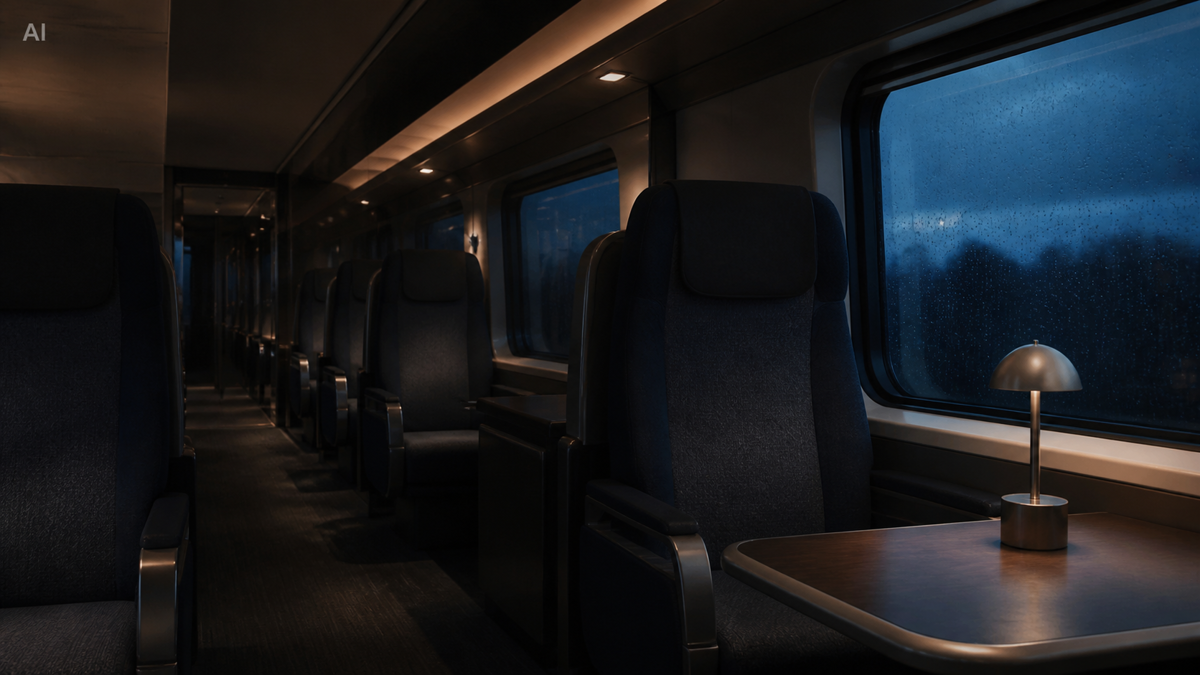
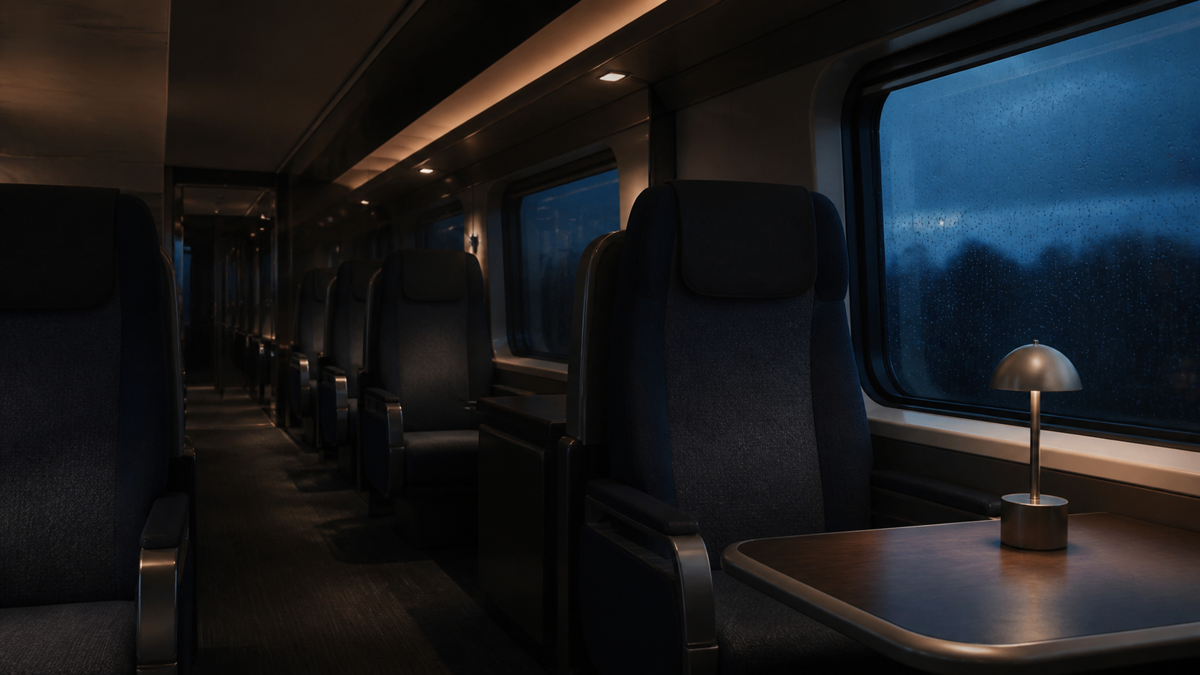
BeforeTrain interior with an AI SAMPLE watermark
AfterThe same train interior with the watermark removed

HOW IT WORKS

The exact steps, nothing more.

JPG, PNG, WebP only. Tiled or continuously moving marks are outside scope.

  1. 01
    Open your photoDrop a JPG, PNG, or WebP up to 40 MP and 50 MB. Orientation is normalized before you draw.
  2. 02
    Mark the watermarkDraw one padded rectangle around the mark. The effective repair stays one pixel inside every edge.
  3. 03
    Preview before exportExport stays disabled until you preview. The preview and the export use the identical repair pass.
  4. 04
    Export the same formatDownload a new JPG, PNG, or WebP at the displayed dimensions. The original file is never modified.
BeforeTrain interior photo with an AI SAMPLE watermark before repair
AfterThe same train interior photo with the watermark repaired

FORMATS AND LIMITS

What this page handles.

Limits come from the same source as the homepage, so they always match.

Formats

JPG, PNG, WebP

UNIVERSAL PICKER

Max limit

Up to the Max tier, free during beta

40 MP · 50 MB

Output

A new download, original untouched

SAME FORMAT · SAME DIMENSIONS

Not supported

Tiled (repeating grids) or continuously moving marks

ONE MARK AT A TIME

QUESTIONS

Photo repair details.

Only what this workflow actually does.

01Which photos does FrameFix accept?

JPG, PNG, and WebP up to 40 megapixels and 50 MB. The photo is decoded inside your browser tab and never uploaded.

02Why is export disabled at first?

Photo repair follows an explicit Mark, Preview, Export sequence. Export stays disabled until the current selection has been previewed, so you always see the exact result first.

03What happens to format and dimensions?

The export keeps the displayed width and height and returns a new JPG, PNG, or WebP matching the original format. Nonessential source metadata is not copied.

04Can it remove transparent watermarks?

Small semi-transparent overlays can work, but results depend on surrounding detail. Always inspect the exact repaired preview before export.

START HERE

Remove a watermark from your photo.

Preview the result before export. Nothing leaves your browser.